Using your zones
Every zone of your amplifier is its own player in Home Assistant — just like a smart speaker. You can use it on dashboards, from the Home Assistant phone app, with voice assistants, and in automations.
Your amplifier's page
Settings → Devices & services → Audio Control → your amplifier.
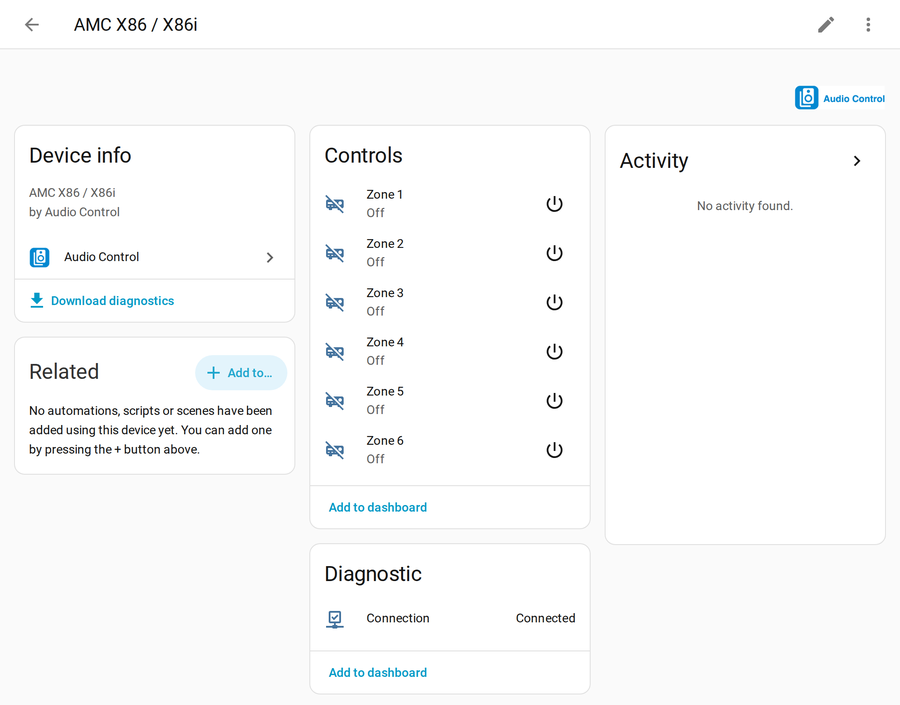
- Controls — every zone, with a power button.
- Diagnostic → Connection — shows Connected when Home Assistant can talk to the amplifier. If it says Disconnected, see Help.
Control a zone
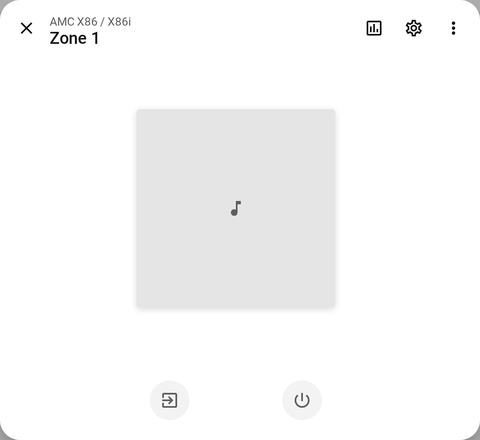
Click a zone to open its controls — power, volume, mute and source.
Put zones on a dashboard
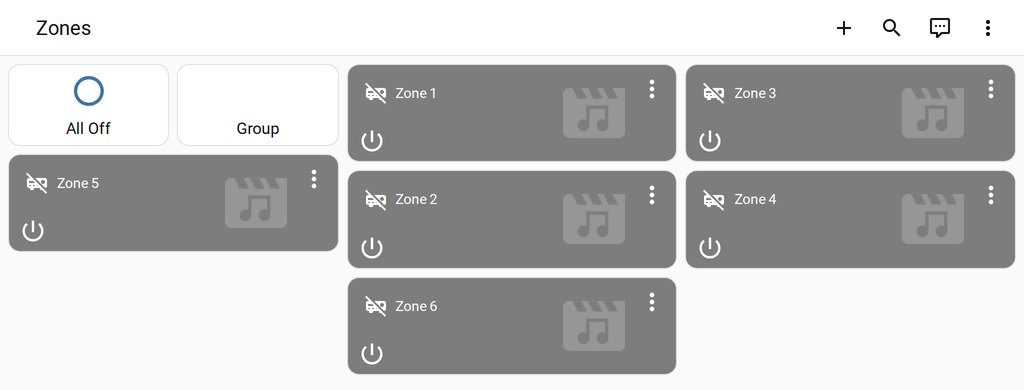
On the device page, click Add to dashboard under Controls, or edit any dashboard and add a Media control or Tile card for each zone.
Good to know
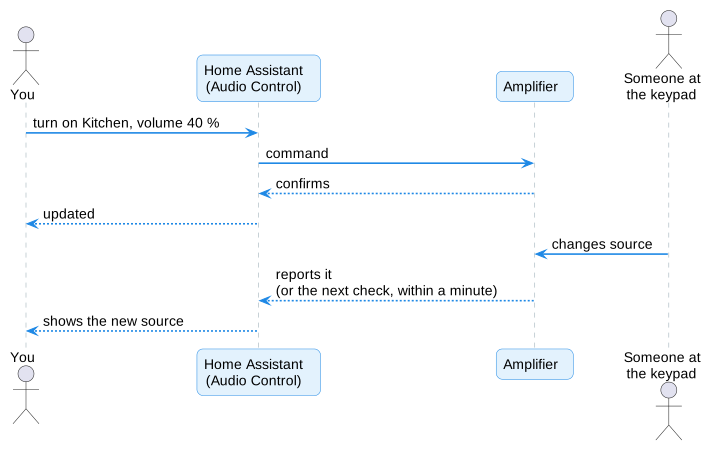
- Changes made on the amplifier (its keypads, remote or front panel) show up in Home Assistant too — at the latest within a minute.
- Volume uses Home Assistant's normal 0–100 % slider, whatever scale your amplifier uses internally.
- Bass, treble, "all zones off" and group mode are in Automations & extra controls.